![petsapp-logo-white.png]](https://docs.petsapp.com/hs-fs/hubfs/petsapp-logo-white.png?height=40&name=petsapp-logo-white.png)
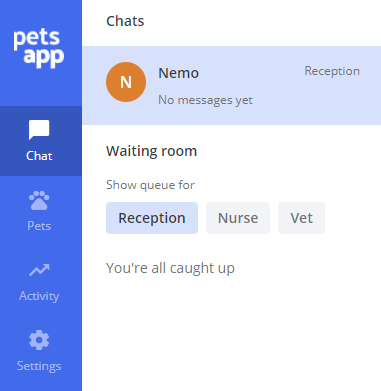
You have a waiting room and when a client starts a conversation with your clinic, they will be sent an automated message welcoming them to the chat. They will then be placed into the reception waiting room.
The automated message is a great way to manage your clients expectations. Ensure you include your opening hours, and how quickly you aim to respond to their message. 30-60 minutes is the average response time in PetsApp, however clients still feedback that it is quick/fast or prompt even if it takes you a few hours to reply.
There are 3 filter buttons at the top of the chat screen, which allow you to view the chats assigned to Receptionists, Nurses, vets or a combination of the 3. You can select or deselect by simply clicking or tapping on them.